 CFP
Every device. Every floor. On record.
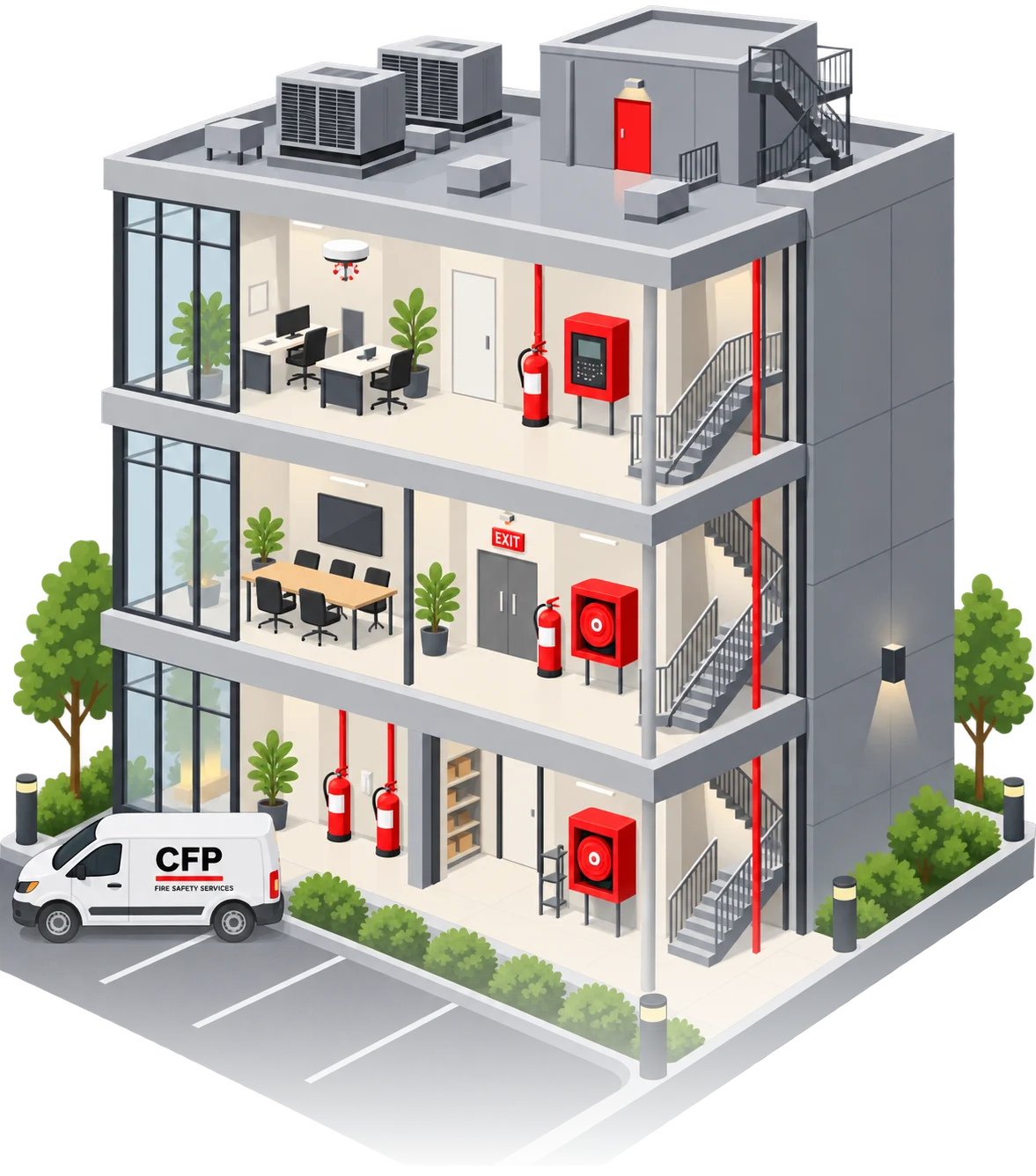
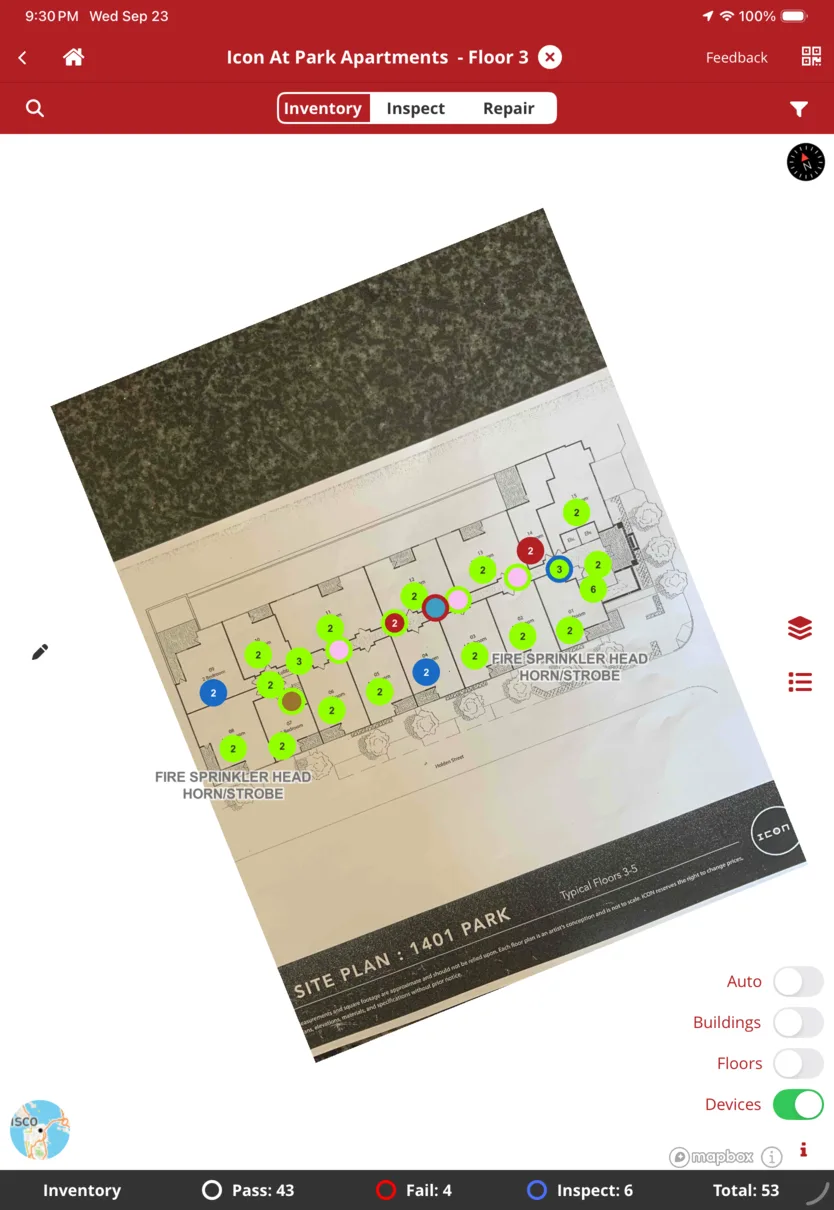
Every extinguisher, detector, valve and panel sits on the floor plan. The technician inspects it on site, even with no signal, and the result becomes the record your team opens from the office.
FireCloud is available to CFP clients. Get the app →
Built for the technician on the ladder.
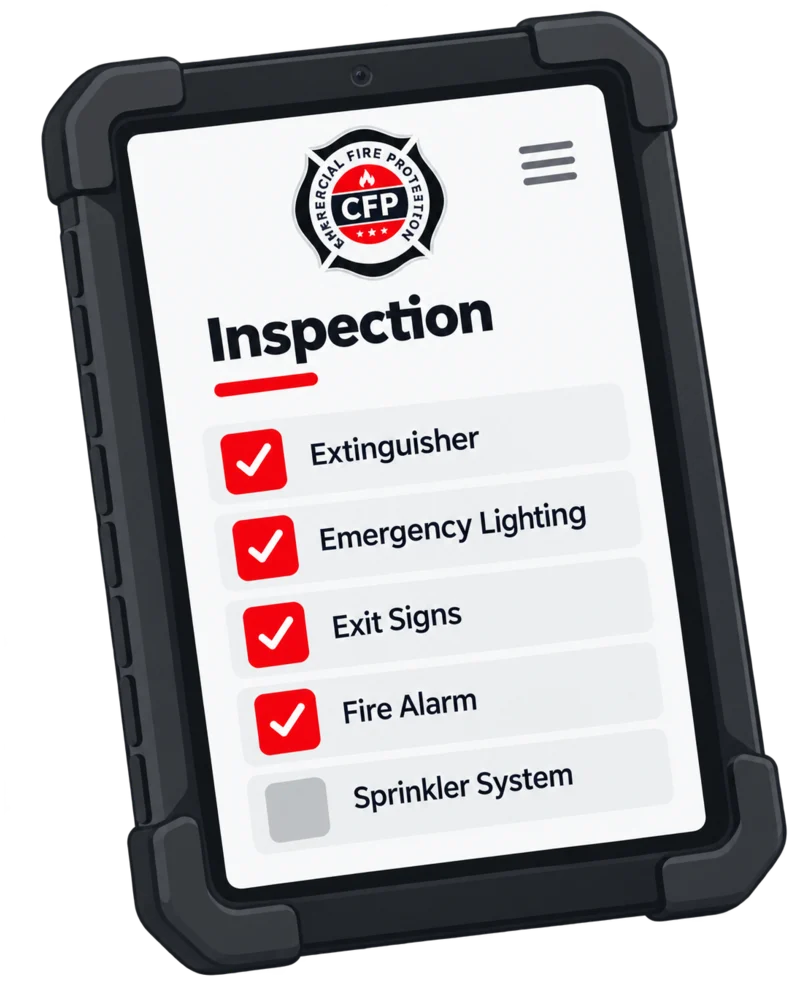
The day's assignments, the building, the team and every device to check — all on the iPad the technician already carries. Open a device and its photos, location, status and past inspections are right there.
- Assignments, schedule and team for the day
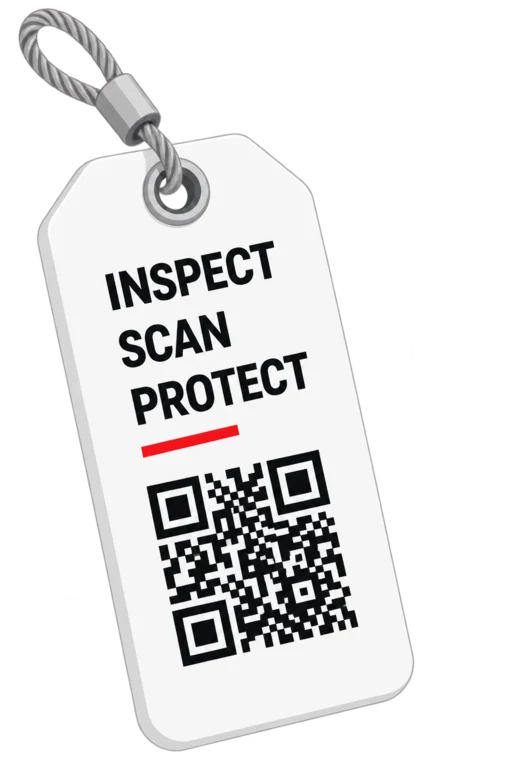
- Scan a device's QR tag to open its record
- Inspect, service or repair, with photos from every visit
- A failed device gets its reason on the spot; work orders are signed on site
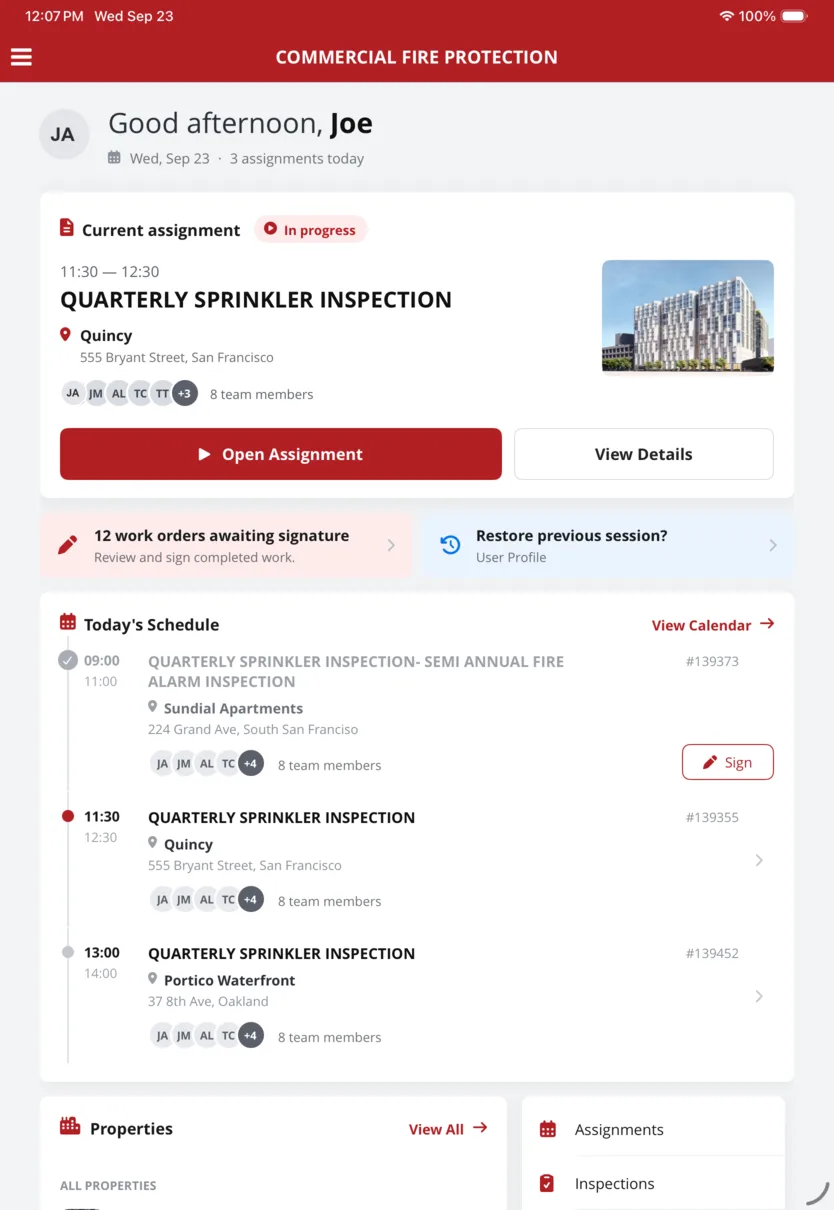
Every device has an address.
Every device is pinned to the site plan or floor plan, where it actually hangs. At a glance, you can see what passed, what failed and what's still to inspect. The next technician walks straight to it instead of searching the ceiling.
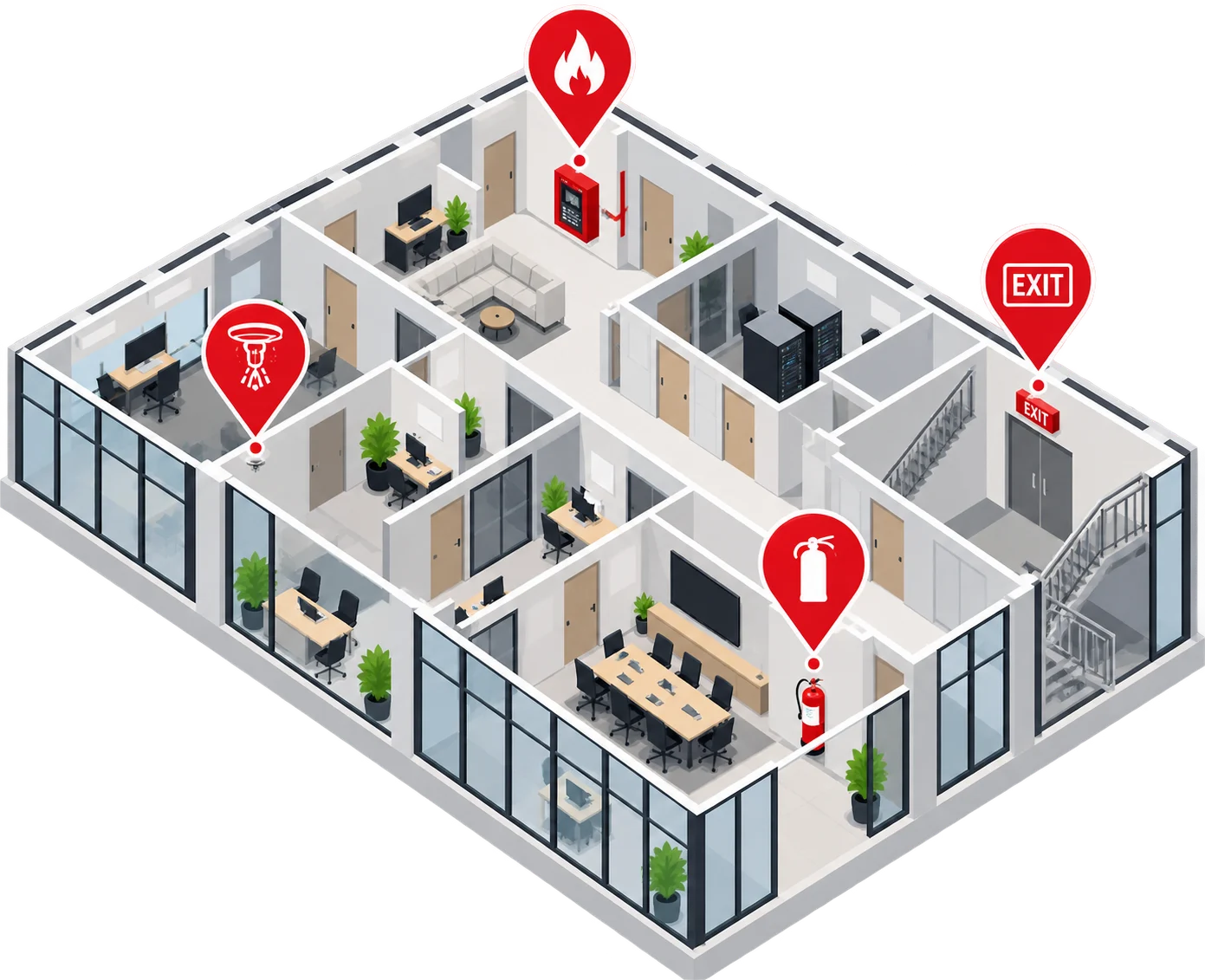
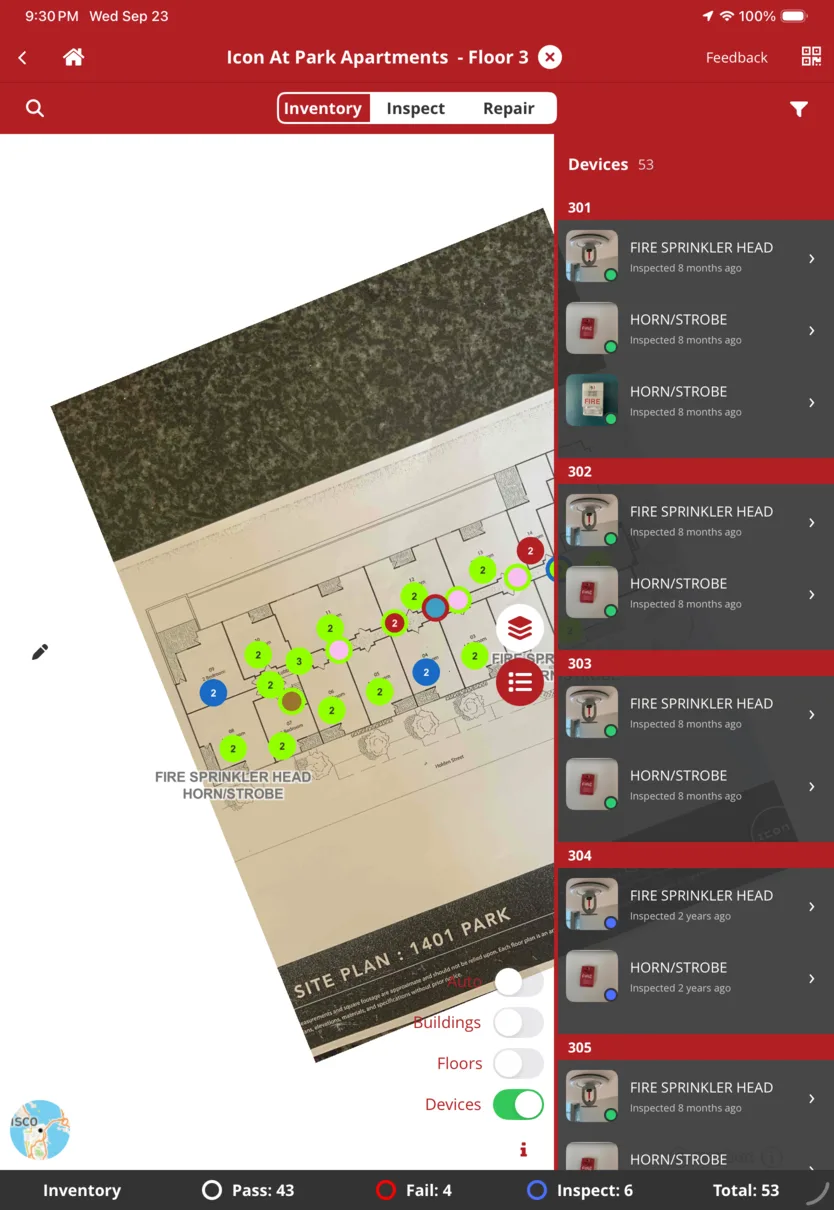
No signal in the basement. Nothing lost.
Riser rooms, parking levels and stairwells can have little or no coverage. FireCloud keeps the whole property on the iPad, so the inspection carries on. Every result reaches the office once the technician is back in range.
- Works in riser rooms and basements
- Every result kept as it's entered
- Uploads by itself, nothing re-entered
- Who did what, and when
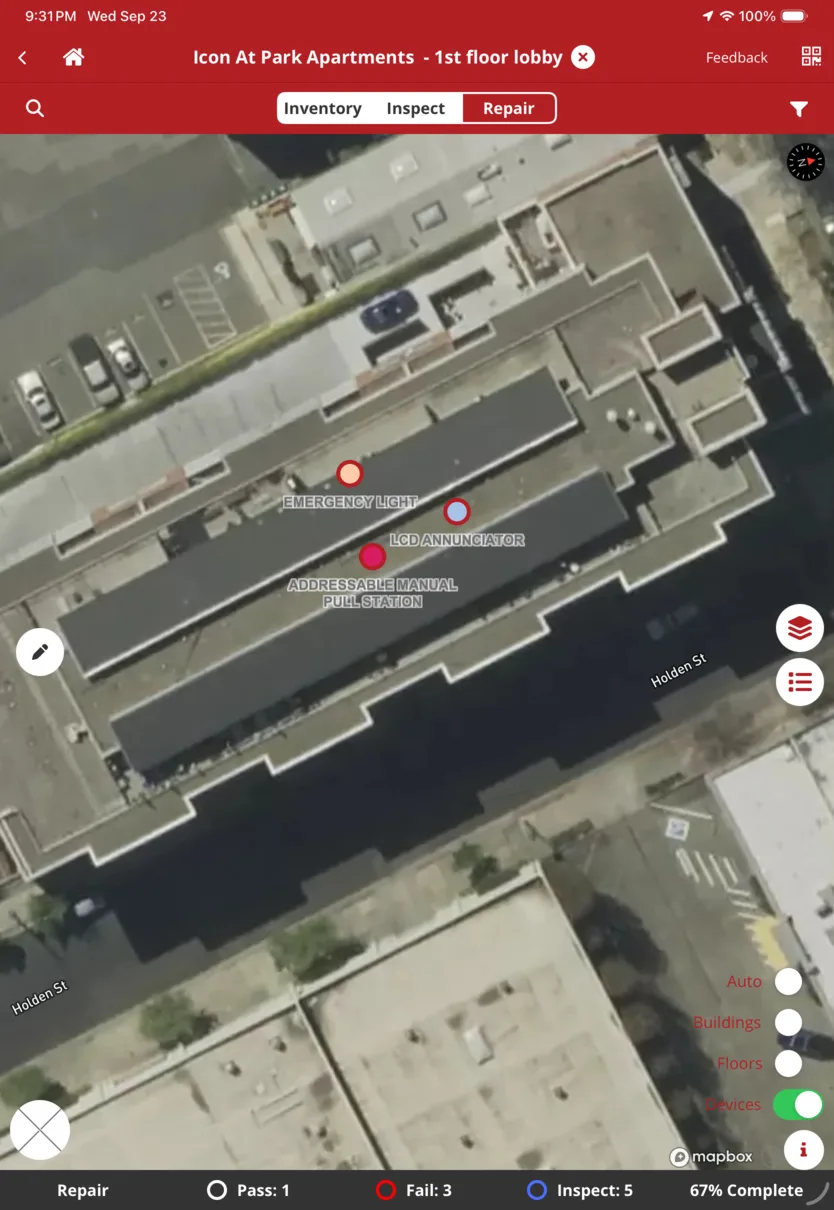
The same record, from the other side.
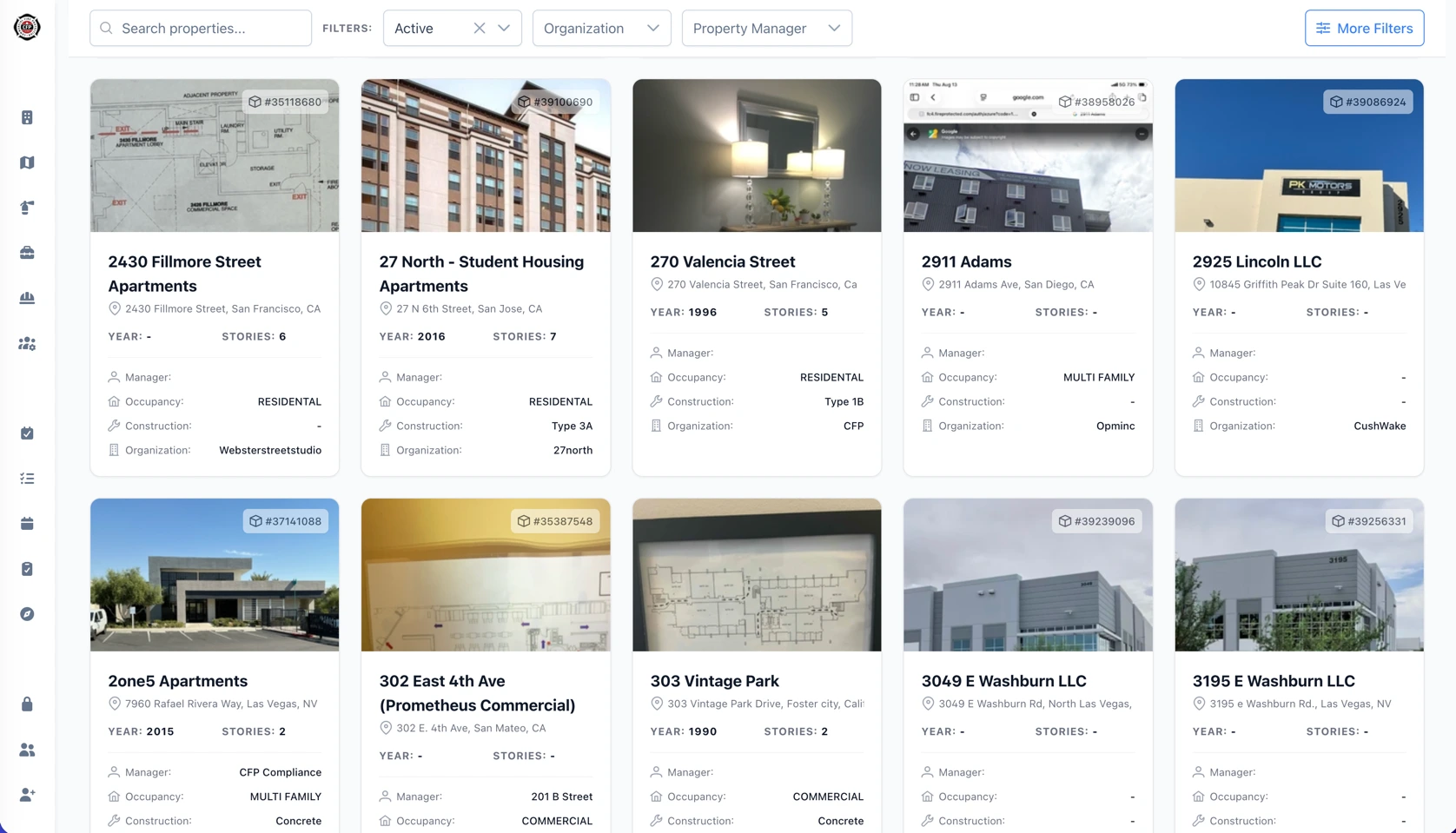
The technician's inspection becomes the record your team opens from the office: what passed, what failed and what was found, property by property and device by device. Nothing retyped from paper.
- A failed device becomes a deficiency, with the reason recorded on site
- Full history for every device: who inspected it, what they found, when
One valve. One record.
One failed control valve, from the stairwell to the office.
-
On site
The assignment, the team and the floor plan open on the iPad.
-
Fail recorded
Control valves, Floor 2, Stair 2. No lock and chain, photo attached.
-
Back in range
Out of the stairwell, the iPad reconnects. Nothing to re-enter.
-
On record
Once the iPad is back in range, the field result becomes the office record.
Put every device
on the record.
Already a CFP client? Download FireCloud on the App Store →